
Designed for beginners. No previous coding experience is required.
Learn to code. Build real projects. Use AI responsibly.
Free 6-week online coding and responsible AI program for rising 6th-9th grade students.
Registration update: We have reached the maximum number of participants for this cohort.
100% free
Rising 6th-9th grade beginners
No experience needed
Tuesdays + Sundays
2:00-4:00 PM
Student output
A final showcase-ready project.
Students build a personal website, club page, study helper, or interactive JavaScript project they can explain.
Live online lessons twice a week
Guided build-alongs and debugging help
Responsible AI mini-lessons
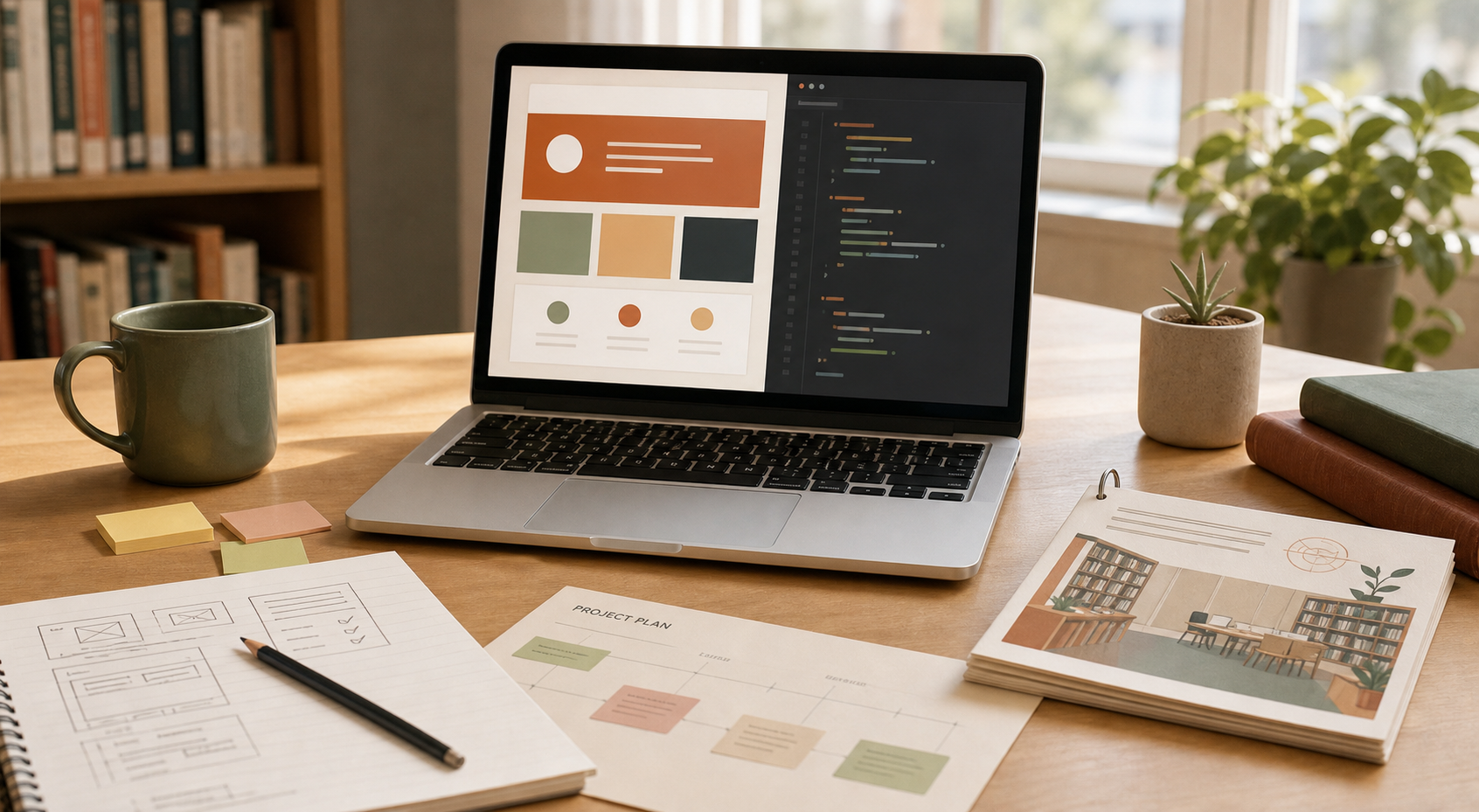
Program model
Beginner-friendly, project-based, and completely free.
Students learn by building real projects, asking questions, fixing bugs, and practicing safe AI use.
11 online lessons/labs plus a final in-person demo day.
Planned meeting time is 2:00 PM - 4:00 PM.
Students present what they built and what they learned.
Curriculum architecture
What students will learn.
The program focuses on practical foundations students can use immediately.
HTML + CSS foundations
Structure pages, style layouts, and create readable beginner-friendly websites.
One JavaScript interaction
Add a quiz, button action, theme toggle, counter, or simple app behavior.
Responsible AI use
Use AI safely for explanations, debugging, and learning without copying blindly.
Project presentation
Explain the project, one feature, one challenge, and how AI was used responsibly.
Project path
Personal portfolio
About, interests, projects, and contact sections with an optional theme toggle or project filter.
12-session program
Program schedule.
Planned for 6 weeks with 12 total sessions: 11 online sessions plus a final in-person demo day. Online sessions meet Tuesdays and Sundays from 2:00 PM - 4:00 PM.
Orientation + HTML foundations
Students set up tools and build a first About Me webpage.
HTML build lab
Students customize structure, links, images, buttons, and sections.
CSS styling foundations
Students turn plain pages into styled card-style webpages.
Layout + design lab
Students add navigation, cards, spacing, and page sections.
JavaScript basics
Students add button clicks, functions, dynamic text, and simple conditions.
Interactive feature lab
Students build a quiz, counter, quote generator, theme toggle, or study helper.
Responsible AI + debugging
Students learn safe AI use, test suggestions, and fix broken code.
Final project planning
Students choose a project, audience, features, and wireframe.
Build sprint 1
Students build final project structure, content, and styling.
Build sprint 2 + polish
Students complete one JavaScript feature and improve layout quality.
Demo rehearsal + final fixes
Students practice a one-minute demo and finish final debugging.
In-person demo day
Students present final projects to peers, parents, and mentors.
Final showcase
What students will build.
Students choose a beginner project path and turn it into something they can show, explain, and improve.
Personal website
Club or nonprofit page
Study helper web app
Interactive JavaScript project
Final showcase project
Responsible AI rules
AI is a helper, not a shortcut.
Use AI to explain errors.
Students ask for beginner-friendly explanations, then apply the fix themselves.
Do not paste private information.
No private student, parent, account, or contact details should go into AI tools.
Do not submit code you cannot explain.
Every final project should be explained in plain English during the demo.
Test AI-generated code.
Suggestions only count after they work in the browser and the student understands them.
Registration
Registration is currently full.
We have reached the maximum number of participants for this cohort. Please contact us with questions or updates.
Maximum participants reached
This program cohort is currently full.
The form collects registration information needed to plan the cohort and contact families.
Questions
Short answers for parents and students.
No. The program is planned for beginners and early intermediate students.
A final website or simple web app with HTML, CSS, one JavaScript feature, and an AI reflection.
Use the registration form on this page, or email 1030222@lcps.org / 1029448@lcps.org with questions.